Viewing and saving images
Start thermal imaging
Section titled “Start thermal imaging”After connecting your device, tap START on the main screen to view the thermal images captured by the device.
Adjust the display
Section titled “Adjust the display”Use the app’s available controls to adjust the temperature range, sensitivity, and color palette. Where supported, use gestures to zoom or inspect different areas. Available options depend on your app version and device.
Save images
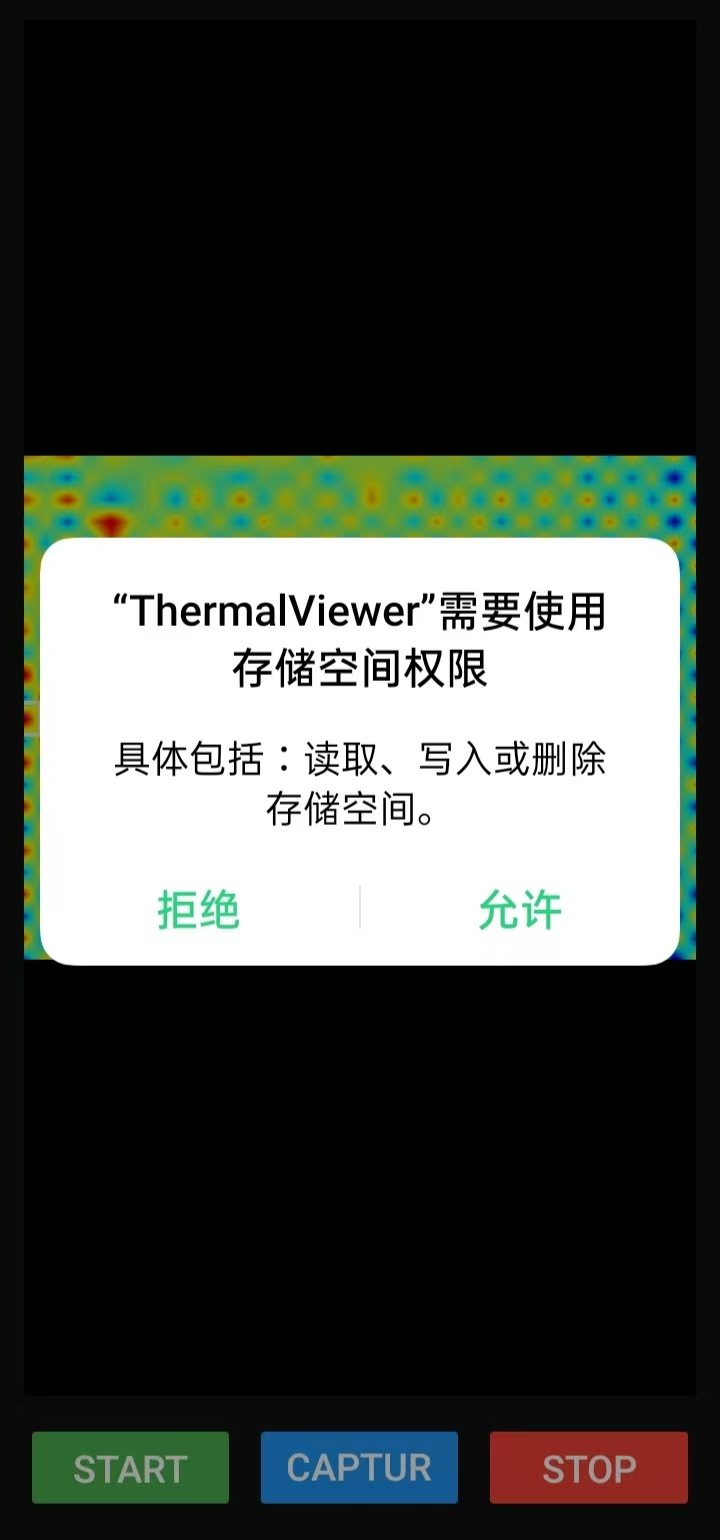
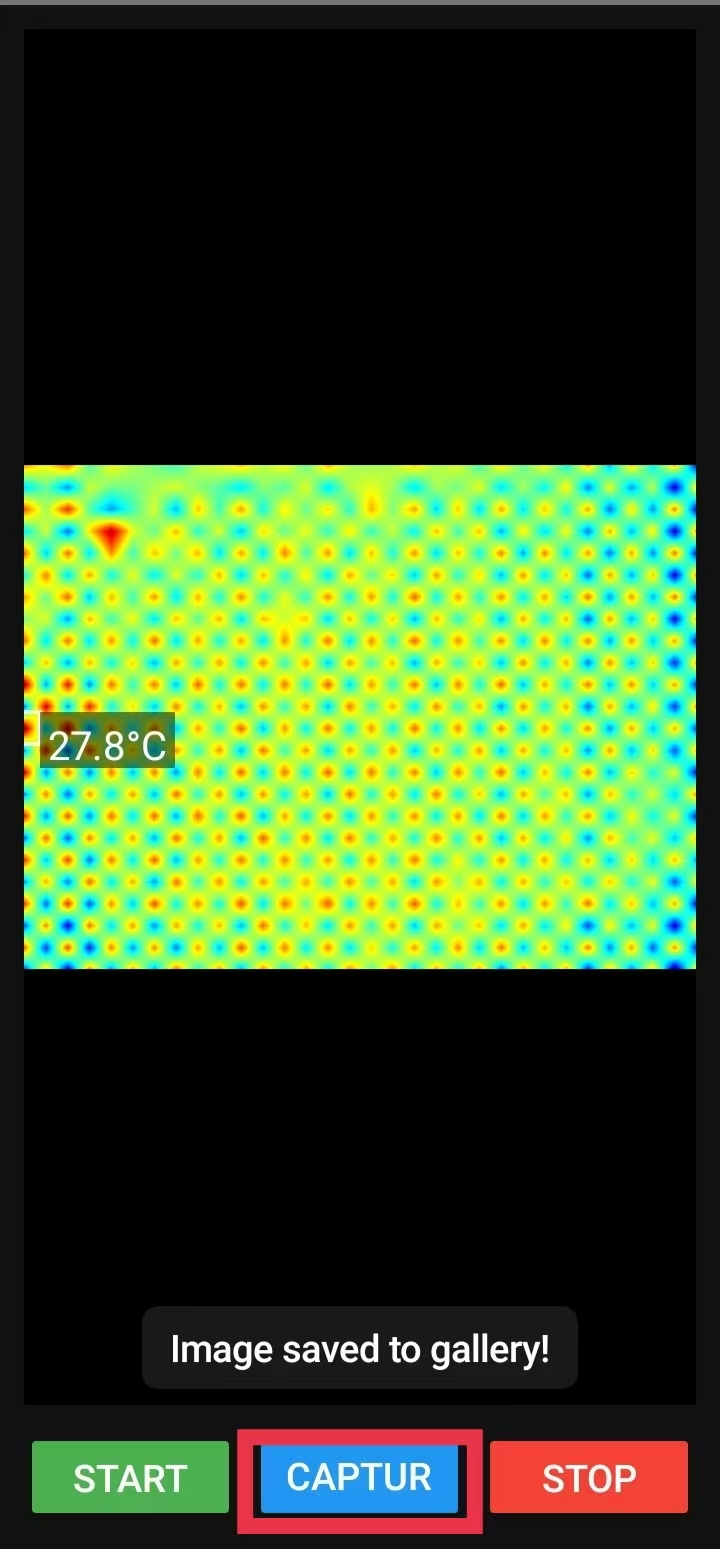
Section titled “Save images”Tap Save (保存) to save a thermal image. If prompted, grant the permissions needed to save pictures, then view or share the saved image.
Software updates
Section titled “Software updates”Visit the downloads page to check the available app version.